
Photo Mechanic AI captioning workflow

Caption Caddie works with Photo Mechanic, not instead of it. The final AI caption step before FTP.

Start 7-day free trial
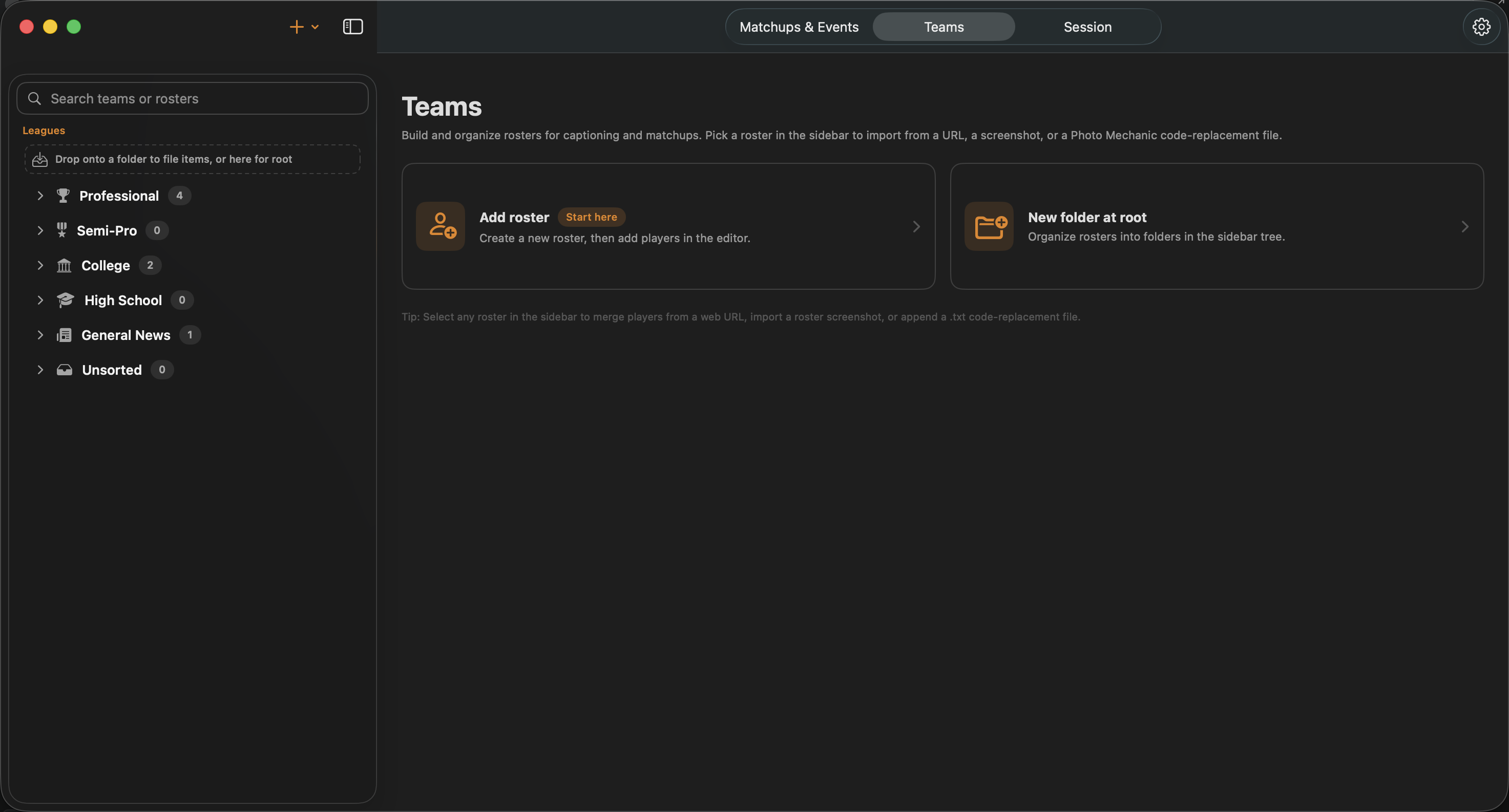
Photo Mechanic code replacement roster import in Caption Caddie
Import Photo Mechanic code replacement rosters directly into Caption Caddie.

Photo Mechanic is still your cull-and-edit tool

Photo Mechanic remains the gold standard for ingesting cards, culling selects, cropping, and applying wire IPTC templates. Caption Caddie does not try to replace that speed. After your edited images have wire XMP dateline and credit on file, bring them into Caption Caddie for AI-generated play descriptions and player identification.

Code replacement import and export

If you already build Photo Mechanic code replacement files for a game, import them into Caption Caddie's roster library. Export code replacements back to Photo Mechanic when you need them in PM's autocomplete fields. Your roster data works in both directions.

Wire XMP template merge

Wire shooters apply dateline, credit, source, and keyword stationery in Photo Mechanic before captioning. Caption Caddie reads the wire XMP already on your file and patches the AI-generated caption body into your existing metadata template, fully customizable, so you do not lose the template work you already did in PM.

Supplemental metadata for non-jersey sports

Golf and other sports without traditional jersey numbers can use supplemental metadata fields in the matchup to steer the AI. Track and field shooters get bib name and number reading when those details are visible in the frame.
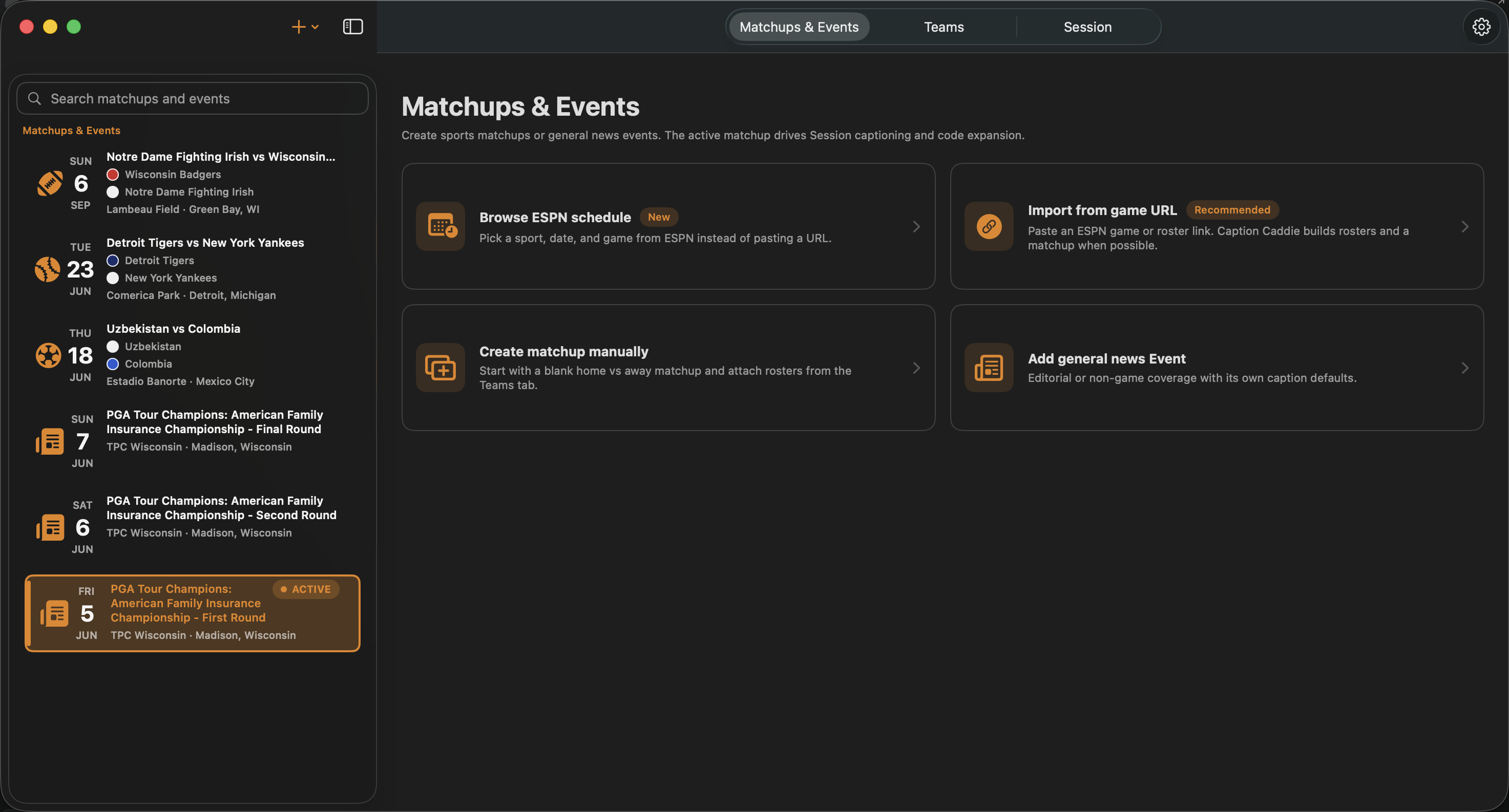
Wire XMP template merge for sports photography captions
Dateline and credit from Photo Mechanic wire XMP, merged with AI caption text.

The workflow: PM → Caption Caddie → FTP

  1. Ingest and cull in Photo Mechanic
  2. Crop, edit, and apply wire XMP stationery
  3. Import edited selects into Caption Caddie
  4. Review AI captions, approve, and write IPTC/XMP to your files
  5. FTP to your wire client as usual

See also: AI sports captioning and wire service captions.

Frequently asked questions

Can I import Photo Mechanic code replacement rosters?

Yes. Import rosters from Photo Mechanic text, CSV, or JSON into Caption Caddie’s roster library. Export code replacements back to Photo Mechanic when you need them in PM’s autocomplete fields.

Does Caption Caddie overwrite my wire XMP dateline and credit?

No. Caption Caddie reads the wire XMP already on your file from Photo Mechanic and patches AI-generated caption text into your existing template fields. Dateline, credit, and keywords stay intact.

Where does Caption Caddie fit in my Photo Mechanic workflow?

Shoot or ingest, cull and edit in Photo Mechanic, apply wire XMP stationery, then import edited selects into Caption Caddie for AI captions, review, IPTC/XMP write-back, and FTP.

What about golf, track, and sports without jersey numbers?

Use supplemental metadata fields in your matchup to guide the AI with player names or event context. For track and field, Gemini reads bib names and numbers when visible in the frame.

Do I still need Photo Mechanic?

Caption Caddie is built to complement Photo Mechanic, not replace it. PM remains the best tool for ingest, cull, crop, edit, and wire template application.

Does Caption Caddie write metadata back to my files?

Yes. After you approve captions, Caption Caddie writes IPTC and XMP directly to your image files so your wire client’s FTP upload picks up complete metadata.

Try Caption Caddie with your PM workflow

Start 7-day free trial